


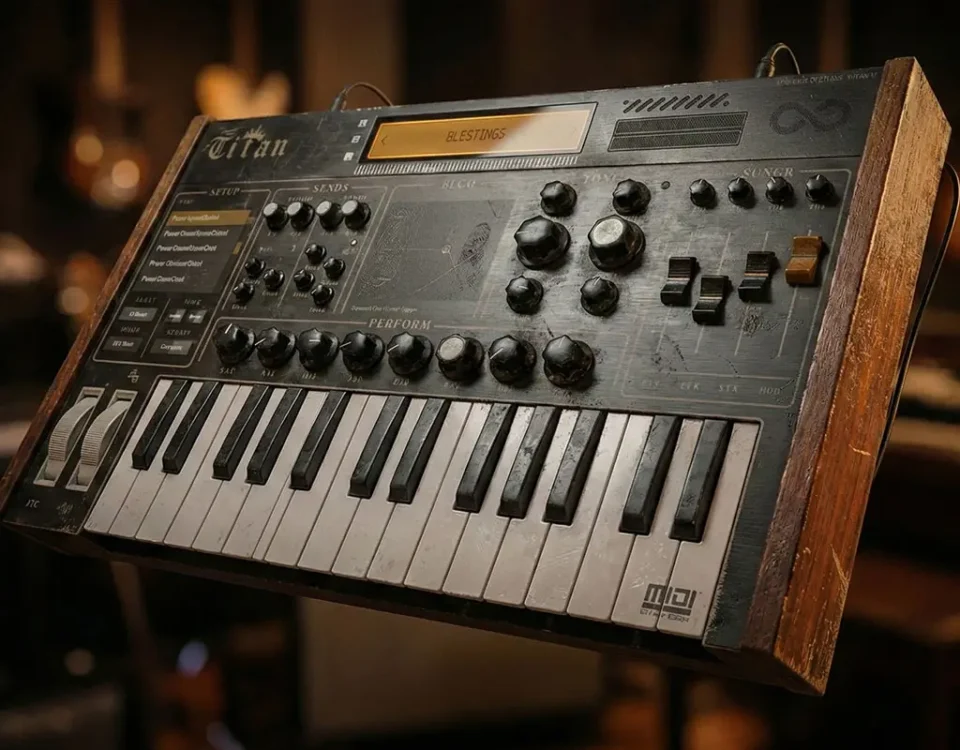
So it seems many mac users particularly were having issues downloading/extracting/setting the Titan Library so we revamped the whole process. We created a custom app to set the path and also made the Library a multi part zip download on its own. Windows users the process will be the same as it was before in the previous video/steps except the Titan Library is now a multi part zip to extract. Here is the newly created MAC install video. And Below it updated final install steps for both. The v107 update is available in your accounts now. If you mistakenly checked out without signing up for an account simply email us at [email protected] with your email and order # and we will get your right. I will be sending off coupon codes and a free gift for the inconvenience this has caused some of you. But we are good to go. And thanks again for your support!
MAC INSTALL INSTRUCTIONS
1. Extract the multi-part “Titan Library.zip.001” with Keka (it will automatically extract the other parts of the multi-part zip)
You can get Keka free here https://www.techspot.com/downloads/6905-keka-for-mac.html
2. Place the resulting “Titan Library” folder where you desire it to be long term (external drive etc) and make note
3. In the MAC folder within TitanVSTiAUAAXv107, Mount the “Titan Full Installer.dmg”
4. Run “1. Install Titan Plugins.pkg” installer. Do not change install path. IMPORTANT YOU RUN THIS BEFORE The Library Locator!
5. Run “2. “Locate Titan Library.app” and it will ask you where the “Titan Library” folder is that you extracted in step one. Navigate to Titan Library and select. You will get a success message that the library has been linked to titan.
6. Launch your daw of preference and load Titan
7. Enter the license code you received at the time of purchase titled “License Code for Titan” paste into the input box and click submit. You will see a brief success message and the license overlay will disappear.
8. Close and reopen the plugin.
9. Enjoy!
THERE WILL BE A VIDEO SOON OF THIS PROCESS ON THE ANALOG LEGENDS YOUTUBE PAGE
———-
WINDOWS INSTALL INSTRUCTIONS
1. Extract the multi-part “Titan Library.zip.001” with winter/7zip or desired program (it will automatically extract the other parts of the multi-part zip)
2. Place the resulting “Titan Library” folder where you desire it to be long term (external drive etc) and make note
3. In the PC folder within TitanVSTAUAAXv107, Run the “TitanVSTAAXv107.exe” do not change the locations during install process
4. Launch your daw of preference and load Titan
5. It will prompt asking for the location of samples folder. Click “Choose Sample Folder” and navigate to the location you extracted and placed the Titan Library to. Select the “Samples” folder with the Titan Library and click select.
6. The plugin will tell you then to close and re-launch the plugin. So do so.
7. Launch titan again in your daw and the license screen will appear.
8. Enter the license code you received at the time of purchase titled “License Code for Titan” paste into the input box and click submit. You will see a brief success message and the license overlay will disappear.
9. Close and reopen the plugin.
10. Enjoy!
THERE IS A VIDEO OF THIS PROCESS LOCATED HERE







Just purchased your Titan Vst, and it installed fine. But im having a hard time getting the update with more presets, no one has gotten back to me yet.